Webflow is a professional website builder loved by designers. GoHighLevel is an all-in-one platform with a website builder, CRM, and automation. Searching "GoHighLevel vs Webflow" means you're weighing a design-first tool against a conversion-first platform. Here's the honest comparison.
Key Takeaways
- What each is built for: Webflow is built for designers who want pixel-perfect control over their websites.
- Where Webflow wins: Webflow wins on design.
- Where GoHighLevel wins: GoHighLevel wins on the business side.
- Design vs conversion: Webflow gives you more design freedom — every pixel is yours.
What each is built for
Webflow is built for designers who want pixel-perfect control over their websites. It produces clean, professional code and stunning designs. GoHighLevel is built for businesses that want websites that capture leads, follow up, and book appointments — with CRM and automation built in.
Where Webflow wins
Webflow wins on design. If you want a visually stunning, custom-designed website with full control over every element, Webflow is the best website builder on the market. The CMS features and interactions are professional-grade. For design portfolios and brand sites, it's unmatched.
Where GoHighLevel wins
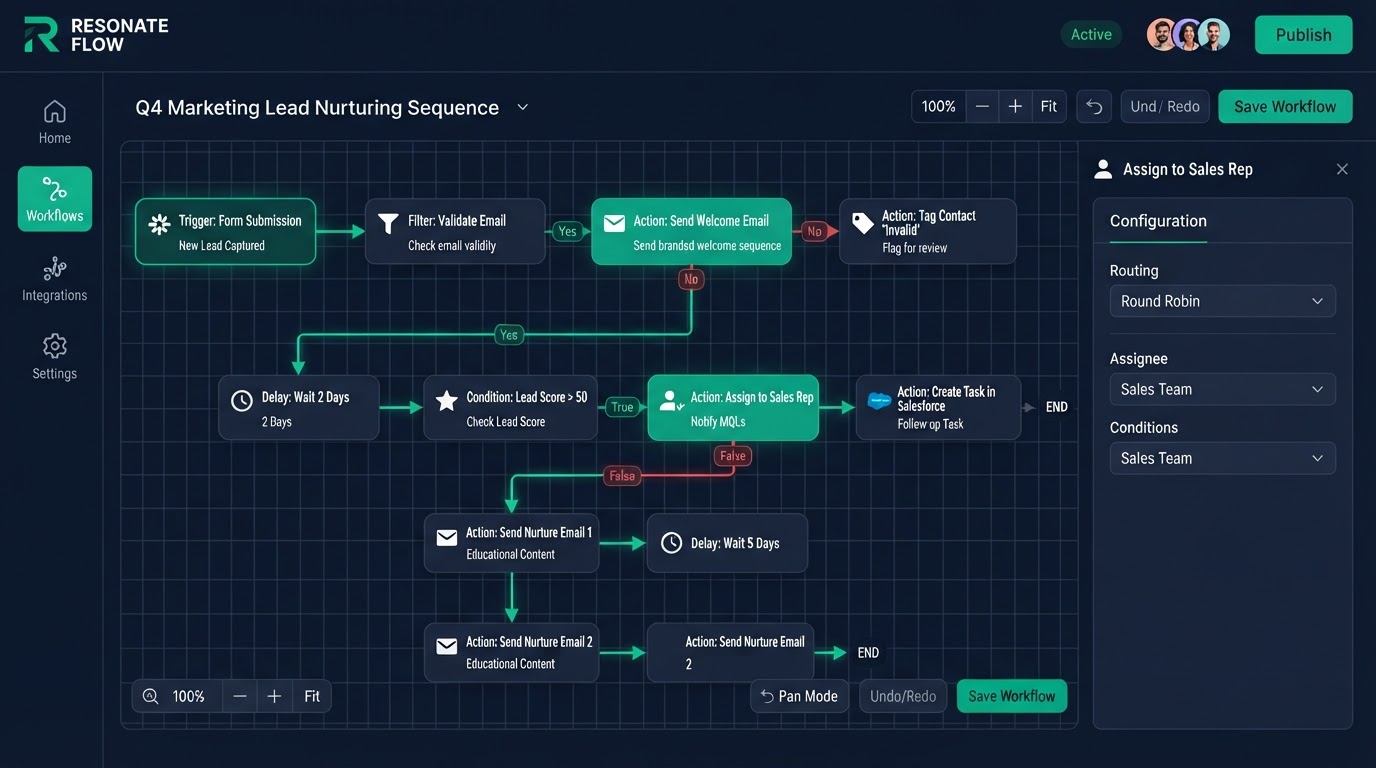
GoHighLevel wins on the business side. A form on a GoHighLevel page feeds your CRM, triggers SMS, and books a calendar appointment automatically. Webflow forms just send an email — no CRM, no SMS, no automation. You'd need to integrate Webflow with separate tools to match what GoHighLevel does natively.
Design vs conversion
Webflow gives you more design freedom — every pixel is yours. GoHighLevel's builder is more structured but still flexible. The trade-off: Webflow sites look incredible; GoHighLevel sites convert because every form is a lead capture point tied to automation.
Pricing and total cost
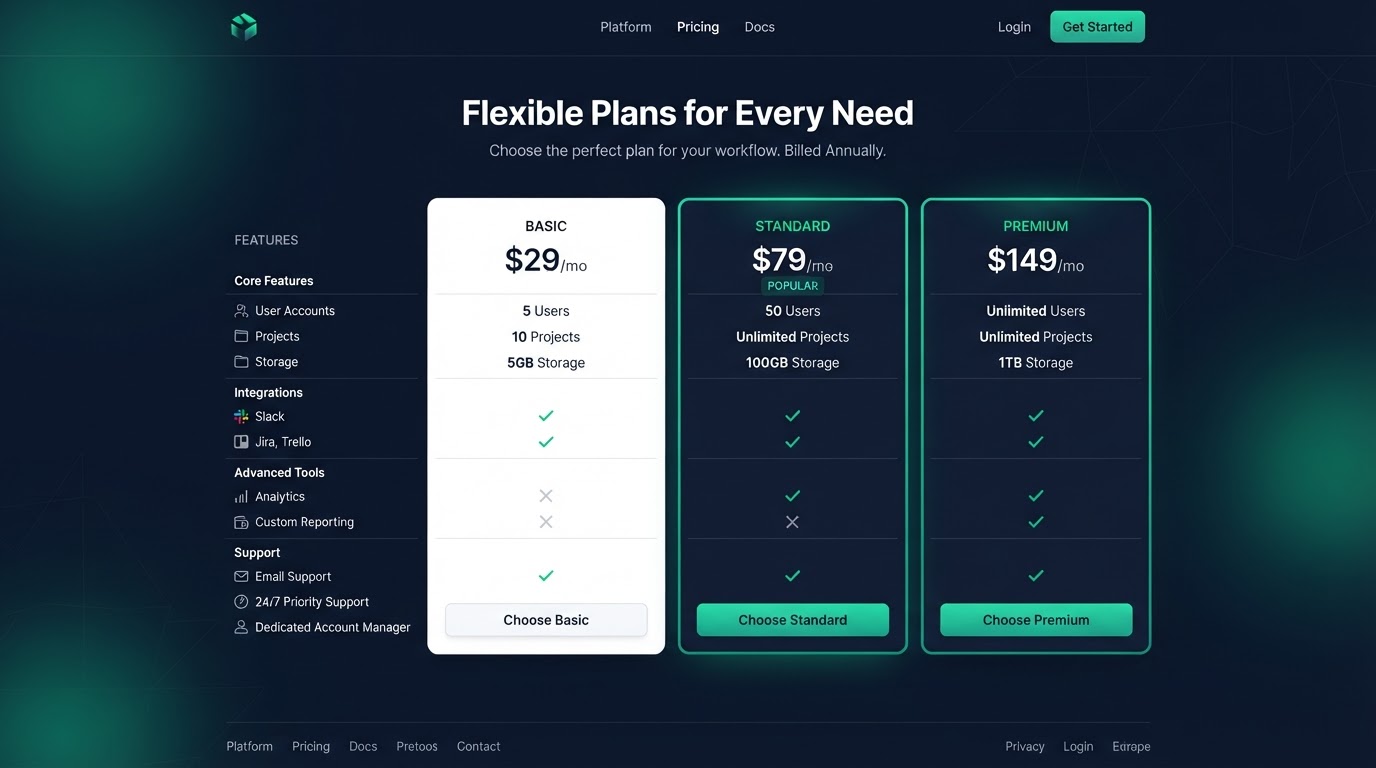
Webflow charges per site plus hosting and CMS add-ons. To match GoHighLevel's features, you'd add a CRM, email tool, SMS tool, and booking tool — each with its own bill. GoHighLevel's flat subscription includes all of that. For businesses, GoHighLevel's total cost is often lower.
Who should pick what
Pick Webflow if design is your top priority and you have a designer who can use it. Pick GoHighLevel if you want a website that captures leads, follows up, and books calls. Some businesses use Webflow for their main site and GoHighLevel for funnels and automation.
How to switch
We rebuild your Webflow pages in GoHighLevel, wire forms to your CRM, and set up the follow-up and booking automation. Book a free call and we'll scope it.
Get 1 Month Free + Free Setup + Free Support
Start your platform account through our link and get an extended 30-day free trial — plus we'll set up your system, build your first workflow, and support you for free. See it working before you pay a cent.
Claim 1-Month Free TrialThe bottom line
Webflow is the best design tool. GoHighLevel is the best conversion platform. If you want a site that captures leads and books calls — with a Loom walkthrough and 15 days free support — we can build it. Start through our link for 1 month free, free setup, and free support. Book a free call today.
Frequently asked questions
Quick answers to the most common questions about GoHighLevel vs Webflow.
Written by certified experts — not AI filler
Every recommendation on this page is based on systems we have actually built and tested for real clients. We document the trigger logic, pipeline stages, and automation flows we deploy — then publish the before/after metrics from live projects. We do not recommend setups we have not delivered ourselves.
Author: CertifiedHighLevelExperts · Reviewed by: Certified GoHighLevel Experts Team · Last reviewed: 2026-09-16
Related topics for GoHighLevel vs Webflow: Which Platform Wins in 2026?
If you're researching gohighlevel vs webflow, these related terms and concepts come up next. We build all of them inside GoHighLevel.
Primary keyword
Secondary keywords
Related concepts (LSI)
These terms reflect real search intent around gohighlevel vs webflow. We cover each one in the content above and link to the relevant service, industry, or resource page so you can go deeper.
Was this article helpful?
Your feedback helps us write better guides.
Keep reading
Related services and industry guides to help you put this into action.