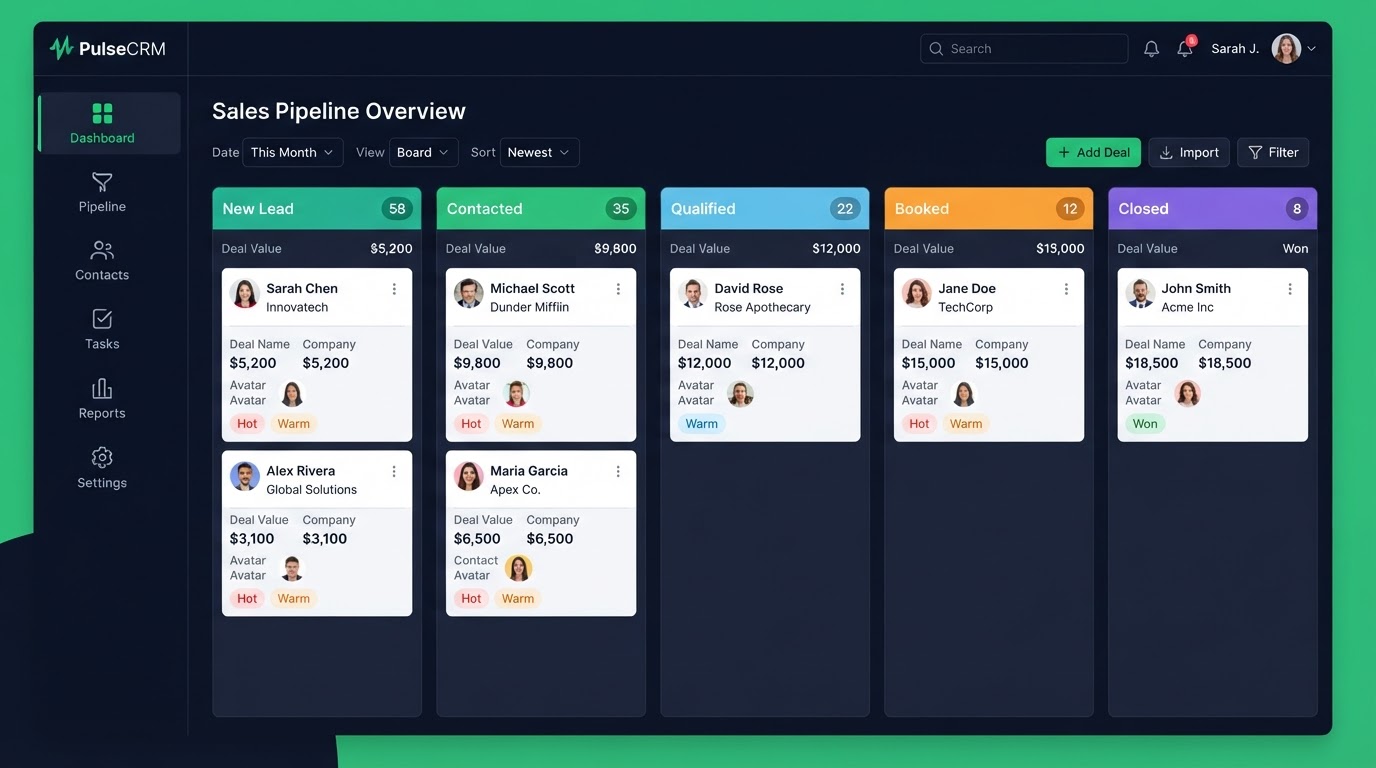
A website built inside the platform is not a boring brochure — it is a lead-capture machine wired straight to your CRM and pipeline. Most businesses treat their website and their CRM as two separate things, then wonder why leads slip through the cracks. Here is how to design a site that converts, built natively inside the platform.
Key Takeaways
- Why build inside the platform: A native site means every form submission creates a pipeline opportunity and triggers an instant text reply — with no integrations to maintain.
- What a conversion-first site includes: A mobile-first layout, lead capture forms wired to your pipeline, on-page SEO (title, meta, headings, alt text), your brand styling, and a connected calendar.
- The design process: Day 1: brand audit and page plan.
- Can you move an existing site: Yes.
Why build inside the platform
A native site means every form submission creates a pipeline opportunity and triggers an instant text reply — with no integrations to maintain. No separate CMS, no disconnected forms, no leads emailed into a black hole. Your site, CRM, and automation are one system. That means fewer tools to pay for and fewer places for leads to get lost.
What a conversion-first site includes
A mobile-first layout, lead capture forms wired to your pipeline, on-page SEO (title, meta, headings, alt text), your brand styling, and a connected calendar. Every page should have a clear call to action and a form that feeds your pipeline. If a page does not capture a lead or book a call, it is not pulling its weight.
The design process
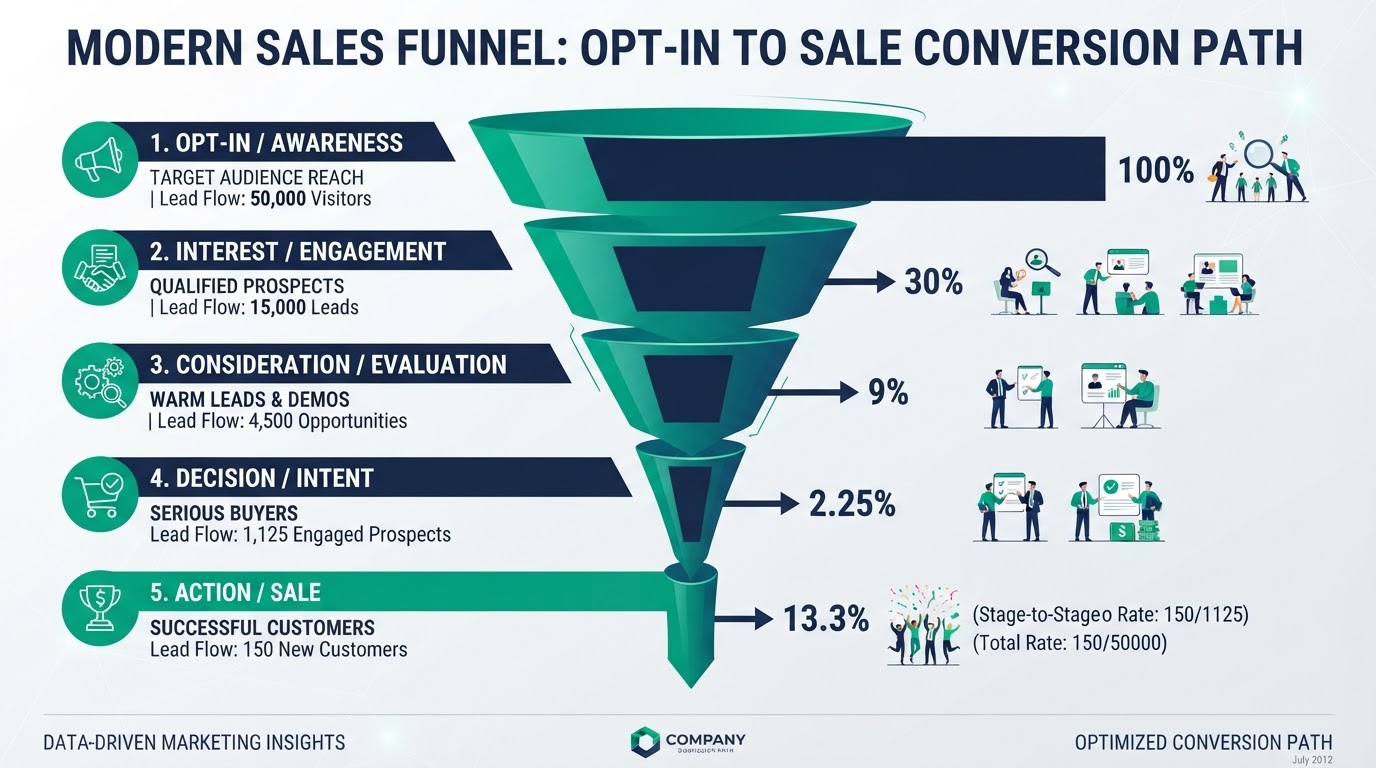
Day 1: brand audit and page plan. Day 2 to 3: wireframes turn into live pages with forms wired to your pipeline. Day 4: content and on-page SEO. Day 5: cross-device testing. Day 6: a Loom walkthrough handover. You get a site you can edit yourself, with a video showing exactly how every part works.
Can you move an existing site
Yes. We rebuild your pages natively and set up 301 redirects so your SEO is safe. Your old links keep working and your search rankings carry over. This is important — a sloppy migration can wipe out years of search traffic, so we handle redirects and internal links carefully.
On-page SEO built in
Each page gets a unique title tag, meta description, a single H1, descriptive headings, and alt text on images. Clean semantic HTML and fast loading keep Core Web Vitals healthy. Because the site and CRM are one system, you can also track which page drove each lead — something most separate CMS setups cannot do well.
Get 1 Month Free + Free Setup + Free Support
Start your platform account through our link and get an extended 30-day free trial — plus we'll set up your system, build your first workflow, and support you for free. See it working before you pay a cent.
Claim 1-Month Free TrialThe bottom line
Want to use "gohighlevel website design" in your business? We can build it for you. You get clear pricing, a real delivery date in days, a Loom video walkthrough, and 15 days of free support. Even better — start your account through our link and get 1 month free, free setup, and free support while you test it. Book a free call today and we will show you how.
Frequently asked questions
Quick answers to the most common questions about gohighlevel website design.
Written by certified experts — not AI filler
Every recommendation on this page is based on systems we have actually built and tested for real clients. We document the trigger logic, pipeline stages, and automation flows we deploy — then publish the before/after metrics from live projects. We do not recommend setups we have not delivered ourselves.
Author: CertifiedHighLevelExperts · Reviewed by: Certified GoHighLevel Experts Team · Last reviewed: 2026-09-16
Related topics for GoHighLevel Website Design: Build a Site That Captures Leads
If you're researching gohighlevel website design, these related terms and concepts come up next. We build all of them inside GoHighLevel.
Primary keyword
Secondary keywords
Related concepts (LSI)
These terms reflect real search intent around gohighlevel website design. We cover each one in the content above and link to the relevant service, industry, or resource page so you can go deeper.
Was this article helpful?
Your feedback helps us write better guides.
Keep reading
Related services and industry guides to help you put this into action.