Learning how to use GoHighLevel can feel overwhelming at first because it does so much. But the core is simple: you capture leads, follow up with them, book appointments, and close deals — all from one screen. This beginner walkthrough explains how GoHighLevel works and what it does, step by step, so you can use it with confidence even if you have never touched a CRM before.
Key Takeaways
- Step 1: Set up your account and branding: After you sign up, you log in at the official website.
- Step 2: Build your CRM pipeline: Your pipeline is where deals live.
- Step 3: Create your funnels and website: Next, build the pages that capture leads — a website, a landing page, or a full funnel.
- Step 4: Set up your calendar: Add your appointment types, your availability, and your buffers.
Step 1: Set up your account and branding
After you sign up, you log in at the official website. The first thing to do is add your branding — your logo, your colors, and your custom domain. This makes the platform feel like your business, not a generic tool. If you run an agency, you can also turn on white-label so clients only see your brand. Two-factor login keeps your account safe.
Step 2: Build your CRM pipeline
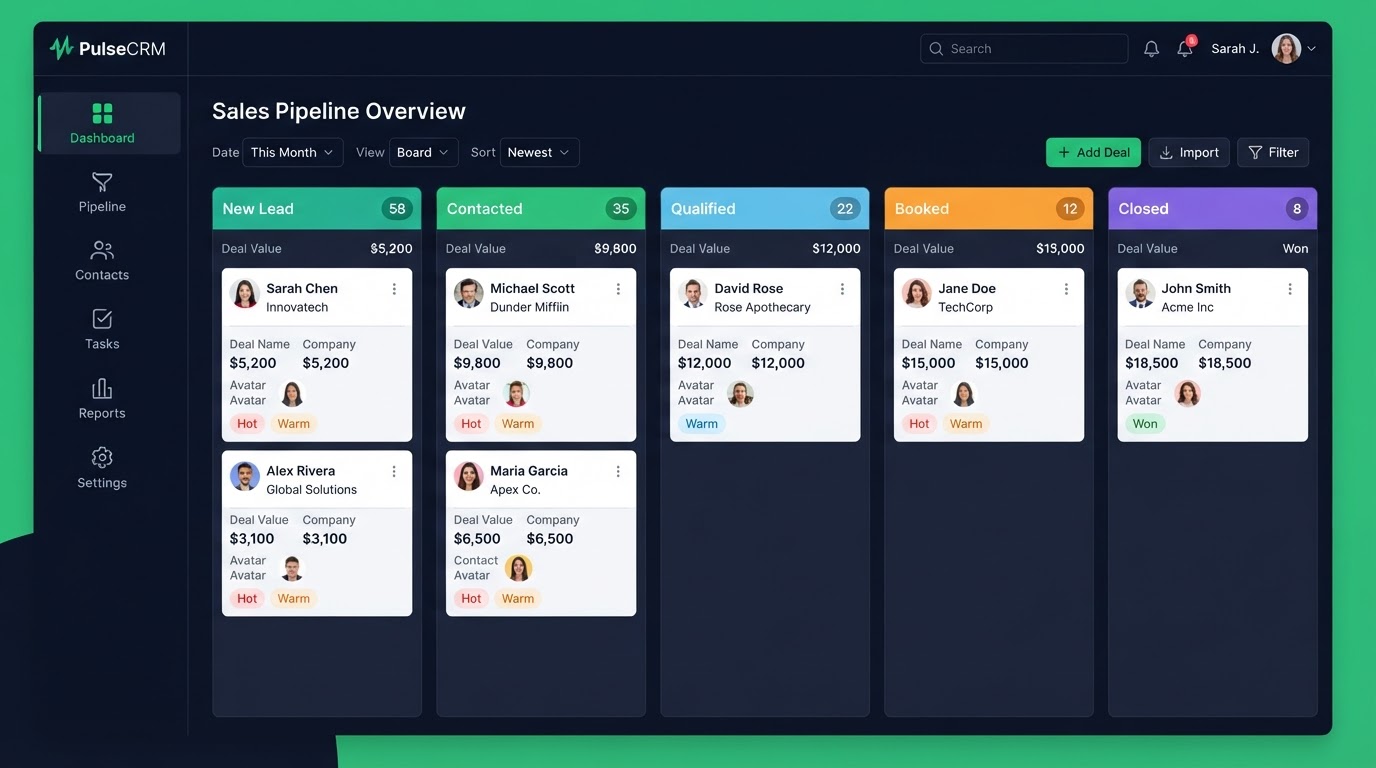
Your pipeline is where deals live. You create stages that match how you actually sell — for example, New Lead, Contacted, Booked, Closed. Each contact moves through these stages. You do not have to use the default stages; you can rename them to fit your real process. A good pipeline mirrors your real sales steps so your team actually uses it.
Step 3: Create your funnels and website
Next, build the pages that capture leads — a website, a landing page, or a full funnel. Each page has a form, and every form submission creates a contact in your CRM and starts a workflow. That is the magic: the page, the CRM, and the automation are one system, so a lead is never lost between them.
Step 4: Set up your calendar
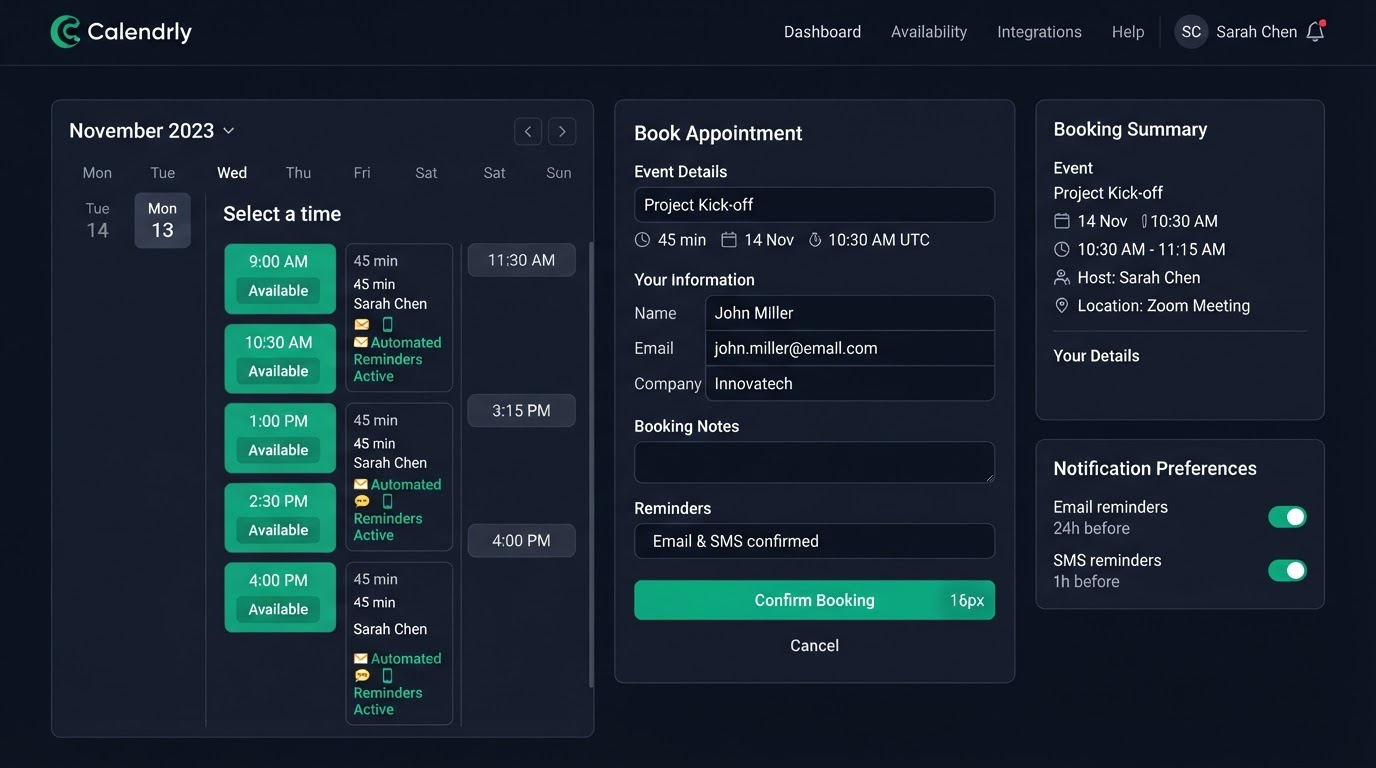
Add your appointment types, your availability, and your buffers. Then connect Google or Outlook so your personal calendar and your booking calendar never double-book. When someone books, the appointment shows up in your pipeline automatically — no manual typing between your calendar and your CRM.
Step 5: Build your first workflow
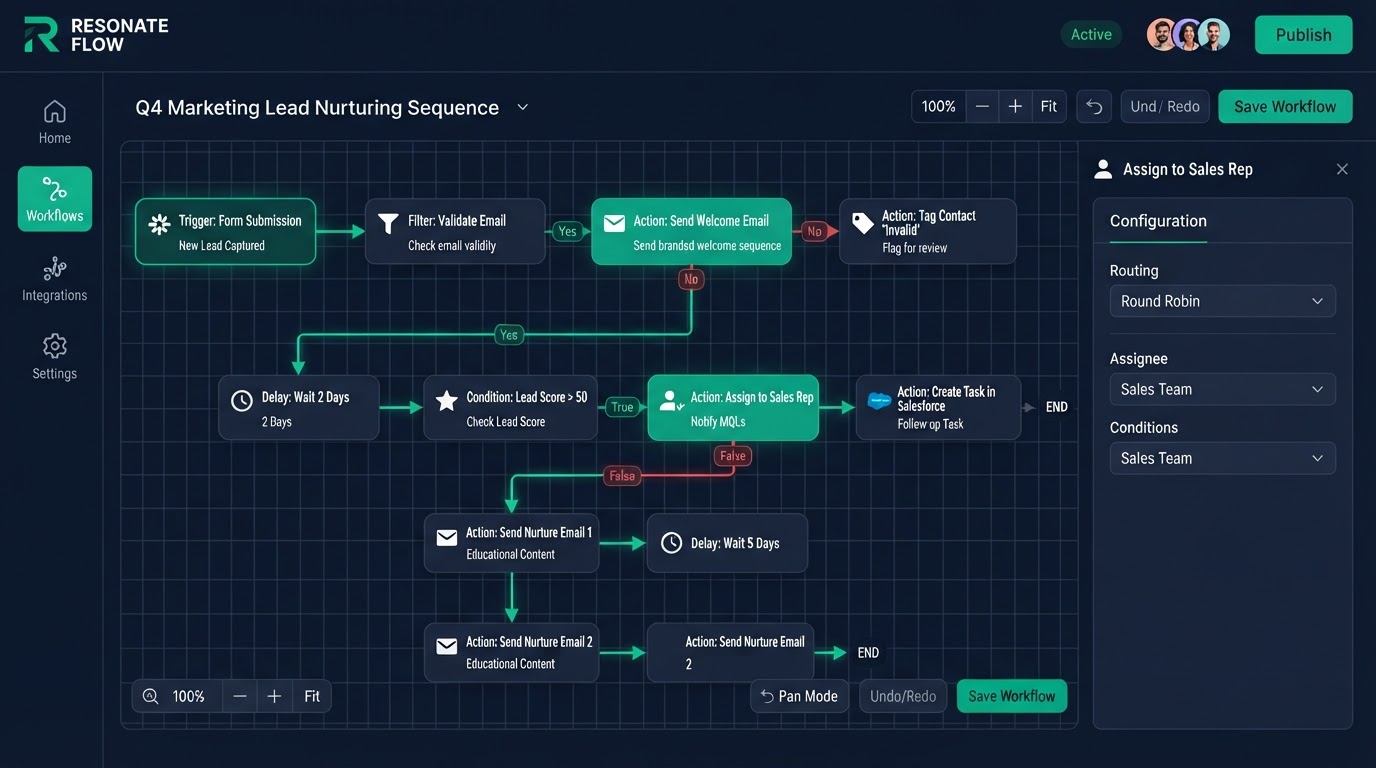
A workflow is if-then logic. A trigger happens (a new lead, a stage change, a no-show), and actions run (a text, an email, a task). Start simple: send an instant text when a new lead comes in. Then add a 24-hour reminder before appointments. Then add a no-show rebook sequence. Build one flow at a time, test it, and add the next.
What GoHighLevel does day to day
Day to day, GoHighLevel follows up for you. It texts new leads instantly, reminds clients before appointments, rebooks no-shows, and asks for reviews after a job. You check your dashboard to see what happened while you were busy. The platform does the repetitive work so you can focus on the conversations that need a human.
How long it takes to learn
The basics take a few hours. The deeper features take longer because there are so many. That is exactly why we include a Loom walkthrough and 15 days of free support on every build — we show you exactly where everything lives so you are never lost. You learn by running a real, working system, not by reading a manual.
Get 1 Month Free + Free Setup + Free Support
Start your platform account through our link and get an extended 30-day free trial — plus we'll set up your system, build your first workflow, and support you for free. See it working before you pay a cent.
Claim 1-Month Free TrialThe bottom line
Want to use "how to use gohighlevel" in your business? We can build it for you. You get clear pricing, a real delivery date in days, a Loom video walkthrough, and 15 days of free support. Even better — start your account through our link and get 1 month free, free setup, and free support while you test it. Book a free call today and we will show you how.
Frequently asked questions
Quick answers to the most common questions about how to use gohighlevel.
Written by certified experts — not AI filler
Every recommendation on this page is based on systems we have actually built and tested for real clients. We document the trigger logic, pipeline stages, and automation flows we deploy — then publish the before/after metrics from live projects. We do not recommend setups we have not delivered ourselves.
Author: CertifiedHighLevelExperts · Reviewed by: Certified GoHighLevel Experts Team · Last reviewed: 2026-09-16
Related topics for How to Use GoHighLevel: A Beginner Walkthrough Step by Step
If you're researching how to use gohighlevel, these related terms and concepts come up next. We build all of them inside GoHighLevel.
Primary keyword
Secondary keywords
Related concepts (LSI)
These terms reflect real search intent around how to use gohighlevel. We cover each one in the content above and link to the relevant service, industry, or resource page so you can go deeper.
Was this article helpful?
Your feedback helps us write better guides.