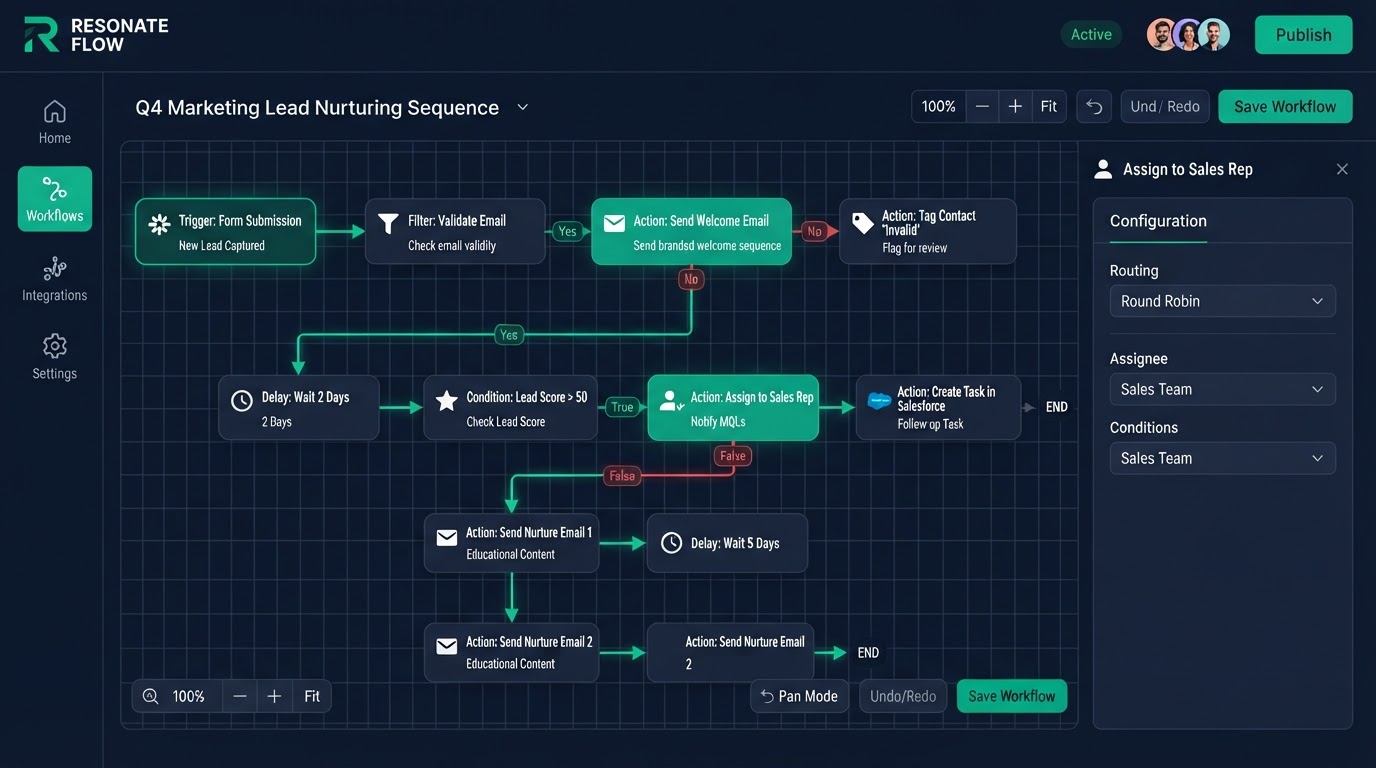
Automation is where the platform earns its keep. Most businesses lose money not because they lack leads, but because they are too slow to follow up, too forgetful to chase, and too busy to do it all by hand. Here are 15 real automation flows by industry, broken down into simple trigger and action steps you can copy for your business. Each one turns a manual step into an automatic one — so you capture more revenue without hiring more people.
Key Takeaways
- 1. New lead gets a text right away: Trigger: a new contact is added.
- 2. No-show gets a rebook sequence: Trigger: an appointment is marked no-show.
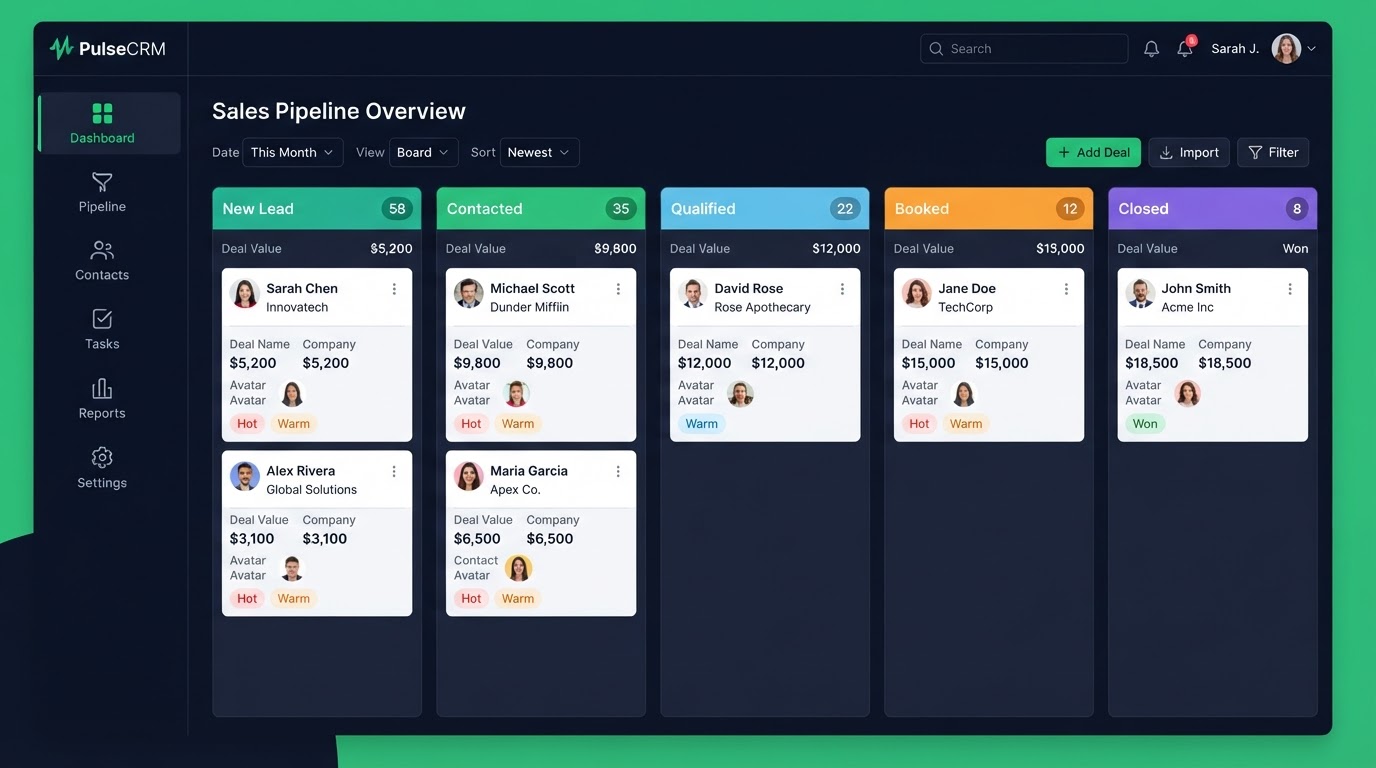
- 3. Stage change triggers a task: Trigger: a deal moves to a new stage.
- 4. Reply pauses and routes: Trigger: a lead replies to a sequence.
1. New lead gets a text right away
Trigger: a new contact is added. Action: an instant text reply with next steps and a booking link. This one flow cuts reply time from hours to seconds and is the highest-payoff flow most businesses can build. Studies show that replying to a lead within five minutes makes you up to 21 times more likely to qualify them than waiting 30 minutes. An instant text does that for you, day and night, even when your team is on another call.
2. No-show gets a rebook sequence
Trigger: an appointment is marked no-show. Action: a text with a one-click reschedule link plus a 3-day rebook sequence. This saves no-shows that would otherwise be lost with no manual chasing. For clinics, salons, and coaches, no-shows are the single biggest waste of paid time — and a simple rebook flow recovers a big chunk of them automatically.
3. Stage change triggers a task
Trigger: a deal moves to a new stage. Action: assign a task to the right rep and start a stage-specific follow-up. This keeps your sales moving with no manual handoffs. When a deal hits 'Showing Booked' or 'Consultation Booked,' the right person gets a task instantly — nothing falls through the cracks.
4. Reply pauses and routes
Trigger: a lead replies to a sequence. Action: pause the sequence, notify your team, and tag the lead as engaged. No lead gets spammed while a human takes over. This is what separates smart automation from a dumb blast — the system knows when to stop and hand off.
5. Finished job asks for a review
Trigger: a job is marked complete. Action: send a review request — happy customers go to Google, unhappy ones go to private feedback. Your reputation builds itself. Reviews are one of the top local ranking factors, so automating the ask at peak satisfaction directly grows both trust and search visibility.
6. Birthday sends an offer
Trigger: it is a contact's birthday. Action: send a personalized offer by text. Great for med spas, dentists, and salons to drive repeat visits. A small, timely gift turns a quiet day into a booked appointment.
7. Lapsed client gets reactivated
Trigger: no activity for 90 days. Action: a multi-touch win-back sequence with an offer. This brings old clients back into your calendar. Reactivating a past client costs far less than acquiring a new one, so this flow has one of the best returns of any automation you can build.
8. New listing alerts the agent
Trigger: a new real estate lead on a listing. Action: an instant task for the agent plus a showing-booking link. Never miss a lead. In real estate, speed wins — the agent who replies first usually gets the listing.
9. After-hours call answered by AI voice
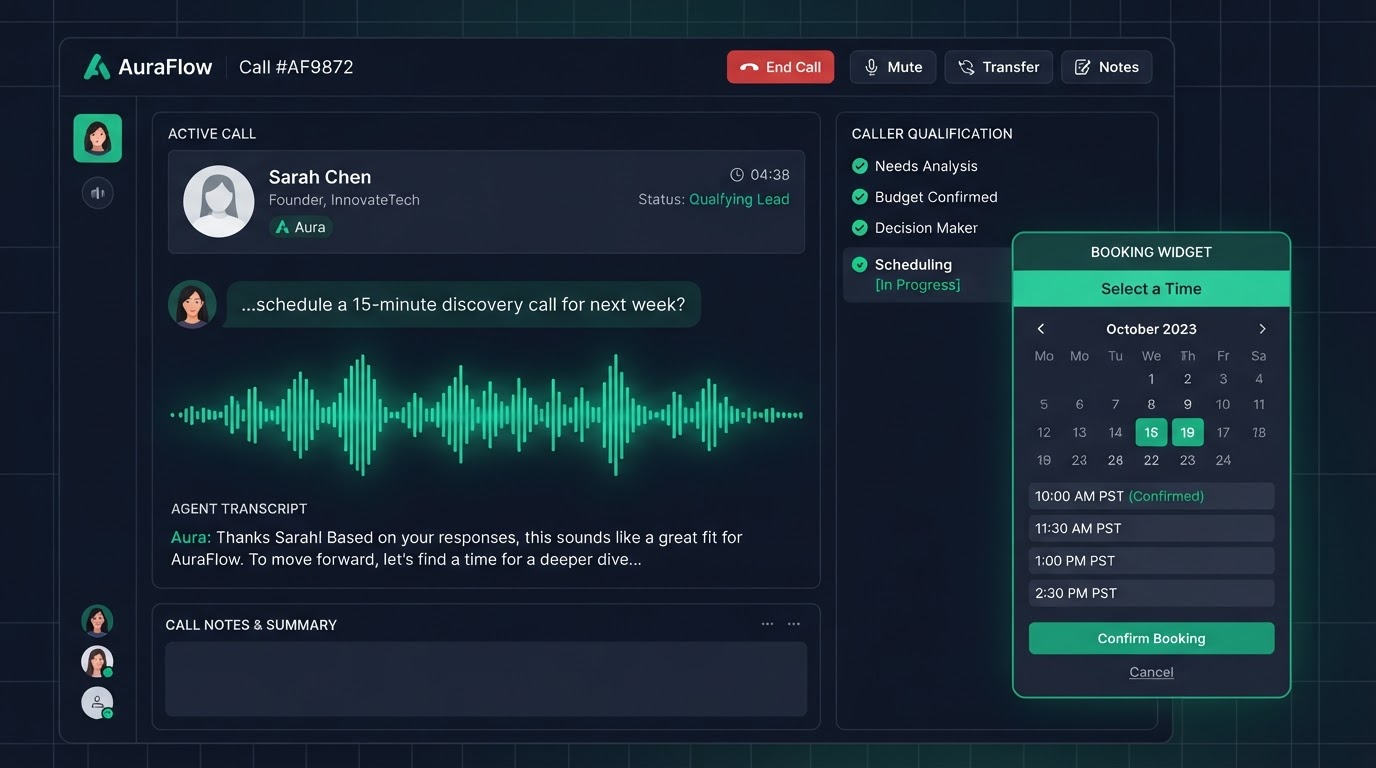
Trigger: an inbound call outside business hours. Action: an AI voice agent answers, qualifies, and books. This catches 100% of after-hours calls that used to go to voicemail. For home services, those after-hours calls are often the highest-value emergency jobs — and more than 60% of callers never leave a message.
10. Cart abandonment gets recovered
Trigger: a visitor starts checkout but does not finish. Action: an email and text recovery sequence. This saves lost e-commerce sales by itself. Cart abandonment averages near 70% across industries, so even a small recovery rate adds real revenue.
11. Booked call gets reminders
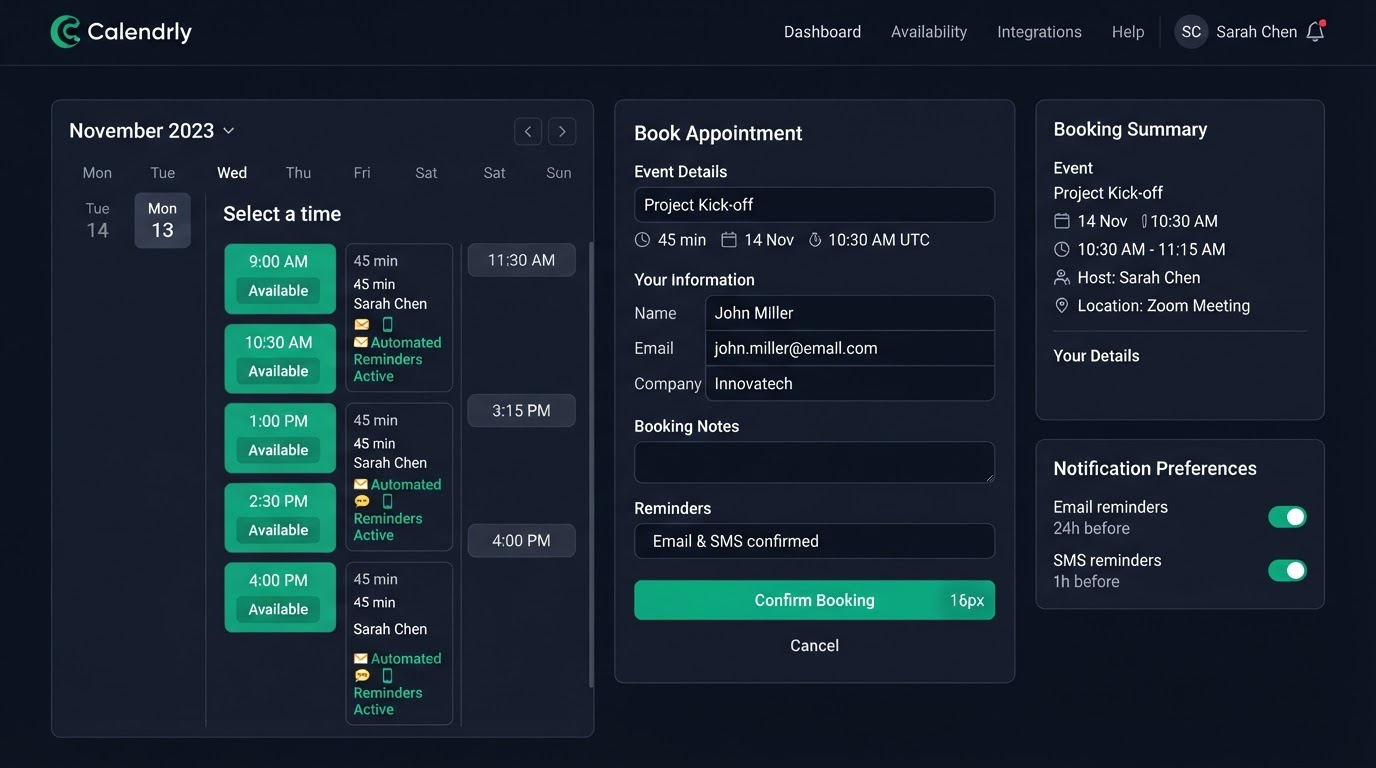
Trigger: a consultation is booked. Action: a 24-hour and a 1-hour reminder plus a reschedule link. This cuts no-shows a lot for coaches, law firms, and clinics. Most businesses drop no-shows from about 30% to under 10% with reminders alone.
12. New client gets onboarded
Trigger: a deal is marked won. Action: a welcome sequence, an onboarding checklist, and an internal task. Smooth onboarding with no manual setup. A good onboarding flow also reduces early churn because clients feel supported from day one.
13. Renewal due sends a reminder
Trigger: a policy or contract renewal date is near. Action: a reminder, a review-booking link, and a cross-sell offer. Great for insurance and financial advisors. Renewal reminders protect recurring revenue and open the door to upsells.
14. Recall due reaches out to the patient
Trigger: 6 months since the last dental visit. Action: a recall text with a booking link. This fills empty slots and keeps patients on schedule. Recall automation is one of the highest-ROI flows for dental and healthcare practices.
15. New client signup gets set up
Trigger: an agency client signs up. Action: automated account setup, branding, and billing. This cuts agency setup from hours to minutes. With SaaS mode, a new client can go from signup to a fully branded, billed account with no human in the loop.
Get 1 Month Free + Free Setup + Free Support
Start your platform account through our link and get an extended 30-day free trial — plus we'll set up your system, build your first workflow, and support you for free. See it working before you pay a cent.
Claim 1-Month Free TrialThe bottom line
Want to use "gohighlevel automation examples" in your business? We can build it for you. You get clear pricing, a real delivery date in days, a Loom video walkthrough, and 15 days of free support. Even better — start your account through our link and get 1 month free, free setup, and free support while you test it. Book a free call today and we will show you how.
Frequently asked questions
Quick answers to the most common questions about gohighlevel automation examples.
Written by certified experts — not AI filler
Every recommendation on this page is based on systems we have actually built and tested for real clients. We document the trigger logic, pipeline stages, and automation flows we deploy — then publish the before/after metrics from live projects. We do not recommend setups we have not delivered ourselves.
Author: CertifiedHighLevelExperts · Reviewed by: Certified GoHighLevel Experts Team · Last reviewed: 2026-09-16
Related topics for 15 GoHighLevel Automation Examples That Actually Convert
If you're researching gohighlevel automation examples, these related terms and concepts come up next. We build all of them inside GoHighLevel.
Primary keyword
Secondary keywords
Related concepts (LSI)
These terms reflect real search intent around gohighlevel automation examples. We cover each one in the content above and link to the relevant service, industry, or resource page so you can go deeper.
Was this article helpful?
Your feedback helps us write better guides.