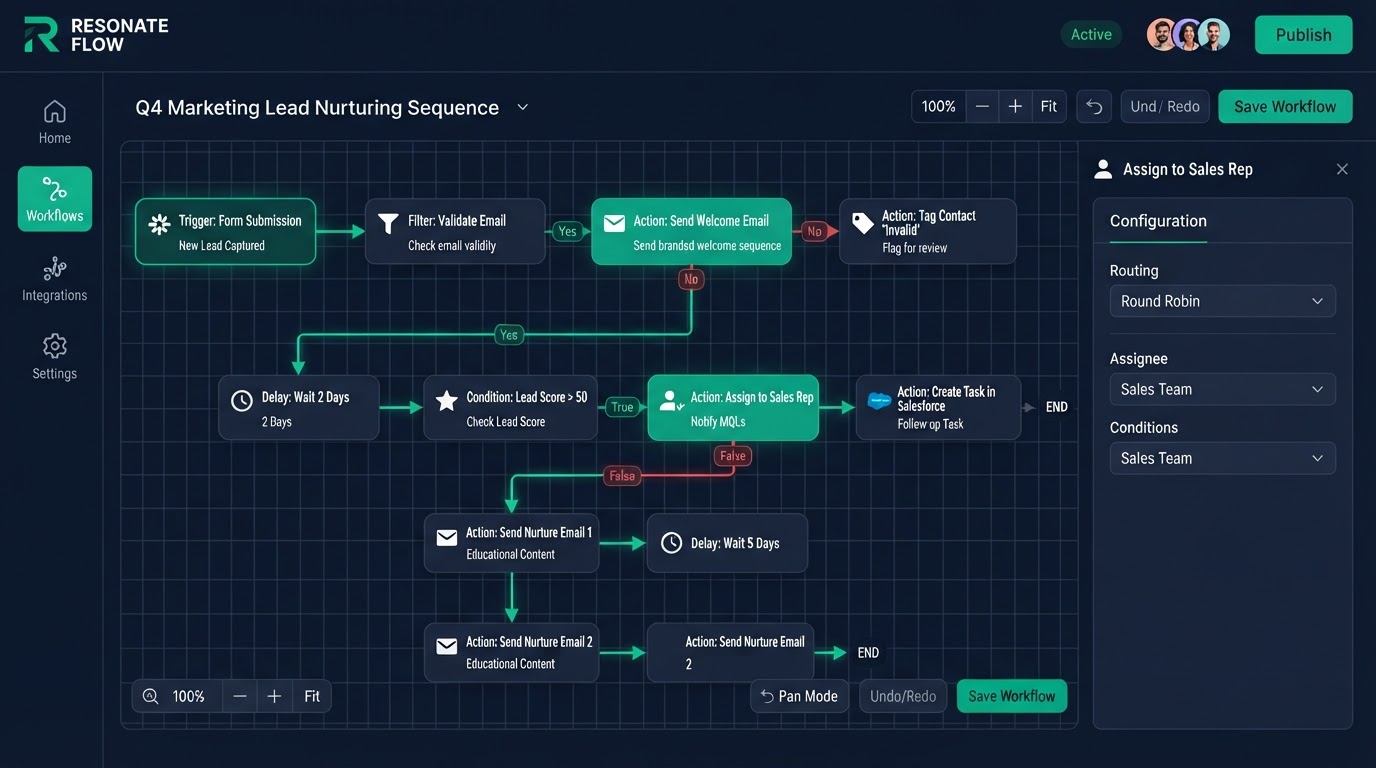
"What are snapshots in GoHighLevel?" is a key question for agencies and anyone who wants to copy a proven setup across accounts. A Snapshot is a ready-made account template — pipelines, funnels, workflows, email and text sequences, and settings bundled into one import. This guide explains what snapshots are, how to create one, how to white-label and reuse them, and where they save the most time.
Key Takeaways
- What a GoHighLevel Snapshot is: A Snapshot is a saved bundle of an account's setup — pipelines, funnels, websites, workflows, email and text templates, custom fields, tags, and settings.
- How to create a Snapshot in GoHighLevel: To create a Snapshot, first build a complete, tested account — pipelines with the right stages, working workflows, tested funnels, and ready email and text sequences.
- How to use a Snapshot: When you create a new account (or a new client sub-account), you import the Snapshot and the entire setup appears — pipelines, workflows, funnels, and templates ready to go.
- Snapshots and white-label SaaS mode: Snapshots pair powerfully with white-label SaaS mode.
What a GoHighLevel Snapshot is
A Snapshot is a saved bundle of an account's setup — pipelines, funnels, websites, workflows, email and text templates, custom fields, tags, and settings. When you import a Snapshot into a new account, all of that appears in minutes instead of being rebuilt by hand. It is the platform's way of turning weeks of setup into one click. That is why agencies love them: build a proven setup once, then copy it to every new client.
How to create a Snapshot in GoHighLevel
To create a Snapshot, first build a complete, tested account — pipelines with the right stages, working workflows, tested funnels, and ready email and text sequences. Then use the snapshot option in your account to save that setup as a template. Name it clearly by industry or use case (for example, "Med Spa — Booking + Reactivation"). The better the source account, the better the Snapshot. A sloppy source account becomes a sloppy template, so build and test the original carefully.
How to use a Snapshot
When you create a new account (or a new client sub-account), you import the Snapshot and the entire setup appears — pipelines, workflows, funnels, and templates ready to go. Then you customize the branding, connect the calendar and integrations, and adjust anything client-specific. What used to take a week of setup now takes an afternoon. For agencies onboarding many clients, this is the single biggest time-saver in the platform.
Snapshots and white-label SaaS mode
Snapshots pair powerfully with white-label SaaS mode. SaaS mode lets clients self-serve sign up under your brand, and a Snapshot auto-provisions their account with your proven setup the moment they join. So a new client signs up, the system creates their account, applies your branding, imports your Snapshot, assigns their plan, and starts billing — all by itself. Per-client setup drops from hours to minutes, which is how agencies scale past trading hours for dollars.
What to put in a niche Snapshot
The most successful agencies build one Snapshot per niche — med spa, real estate, law firm, home services — so the pipelines, automations, and follow-up match that industry exactly. A niche Snapshot means you can productize your offer, charge more, and onboard fast because the build is already done. Generic Snapshots work but sell for less; niche Snapshots command a premium because they solve a specific industry's exact workflow.
What Snapshots do not include
Snapshots copy setup, not live data — they do not import your contacts or your live appointment history, and some account-level settings (like connected calendars and payment keys) must be reconnected in each new account. Think of a Snapshot as the recipe, not the meal. We account for this in every build: the Snapshot sets up the structure, then we connect the live integrations per account.
Want a Snapshot built for your niche
We build tested, niche-specific Snapshots for agencies and businesses — pipelines, workflows, funnels, and sequences ready to import. Every build includes a Loom walkthrough and 15 days of free support so your team knows exactly how to use and customize it. Book a free call and we will scope your Snapshot with a fixed price and a delivery date.
Get 1 Month Free + Free Setup + Free Support
Start your platform account through our link and get an extended 30-day free trial — plus we'll set up your system, build your first workflow, and support you for free. See it working before you pay a cent.
Claim 1-Month Free TrialThe bottom line
Want to use "gohighlevel snapshots" in your business? We can build it for you. You get clear pricing, a real delivery date in days, a Loom video walkthrough, and 15 days of free support. Even better — start your account through our link and get 1 month free, free setup, and free support while you test it. Book a free call today and we will show you how.
Frequently asked questions
Quick answers to the most common questions about gohighlevel snapshots.
Written by certified experts — not AI filler
Every recommendation on this page is based on systems we have actually built and tested for real clients. We document the trigger logic, pipeline stages, and automation flows we deploy — then publish the before/after metrics from live projects. We do not recommend setups we have not delivered ourselves.
Author: CertifiedHighLevelExperts · Reviewed by: Certified GoHighLevel Experts Team · Last reviewed: 2026-09-16
Related topics for What Are Snapshots in GoHighLevel? How to Create & Use Them
If you're researching gohighlevel snapshots, these related terms and concepts come up next. We build all of them inside GoHighLevel.
Primary keyword
Secondary keywords
Related concepts (LSI)
These terms reflect real search intent around gohighlevel snapshots. We cover each one in the content above and link to the relevant service, industry, or resource page so you can go deeper.
Was this article helpful?
Your feedback helps us write better guides.
Keep reading
Related services and industry guides to help you put this into action.