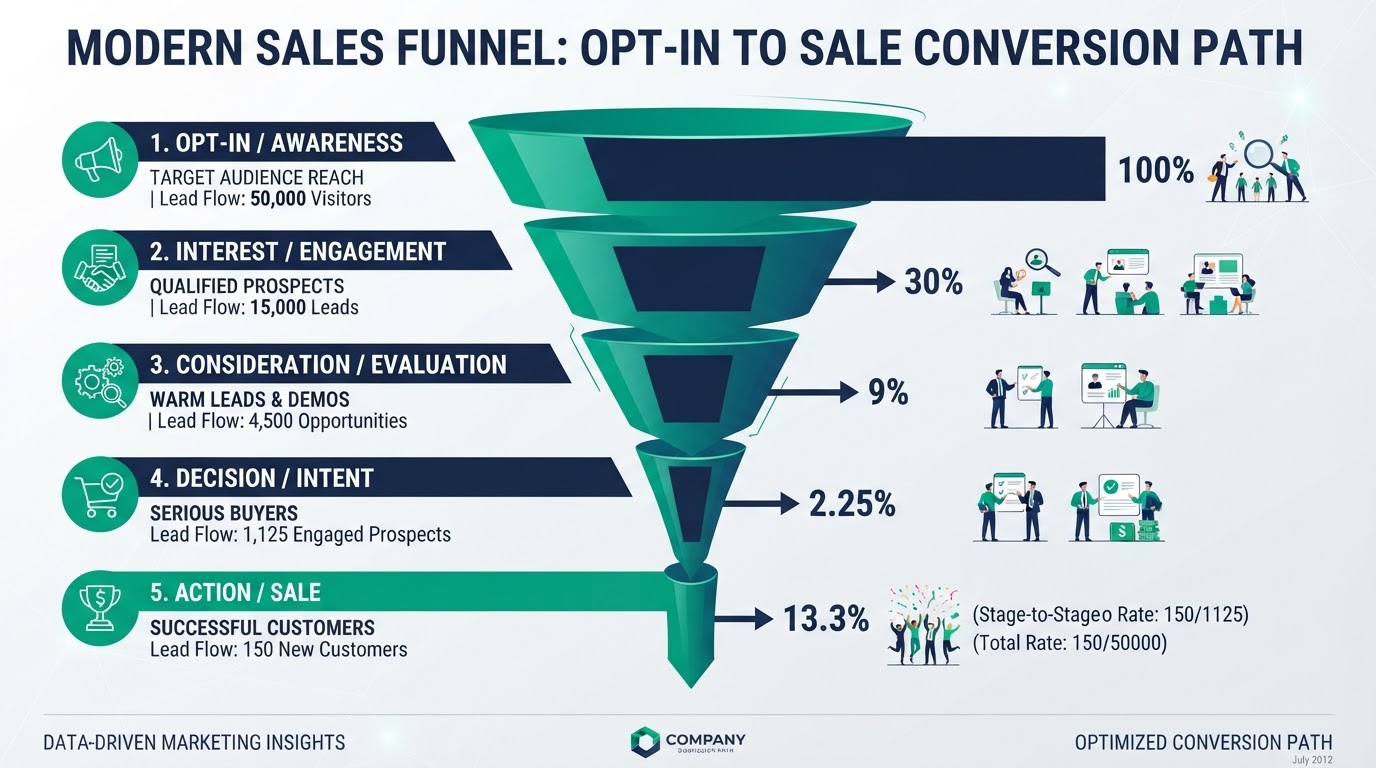
The GoHighLevel video form gate is a high-converting lead-capture trick: it withholds a video until a visitor opts in, then unlocks the content — and remembers the visitor so they do not have to opt in again every visit. This guide explains how the video form gate works, how to set it up, how to change automatic SMS replies, how to download or use your videos, and how many pages you can build on the platform.
Key Takeaways
- How the GoHighLevel video form gate works: The video form gate shows a video (or a preview of it) but locks the full content behind an opt-in form.
- How it remembers the visitor: "How does the video form gate work" also includes the memory part.
- How to change the automatic SMS: "How to change automatic SMS on GoHighLevel" is about the workflow that fires after the opt-in.
- How to use and download your videos: For the gate, you can host videos on the platform or embed from YouTube, Vimeo, or a hosting service.
How the GoHighLevel video form gate works
The video form gate shows a video (or a preview of it) but locks the full content behind an opt-in form. A visitor enters their email (and name, if you ask), and the video unlocks. Their information is captured as a contact in your CRM the instant they submit, and a workflow can fire — an instant SMS, a welcome email, or a booking link. The gate turns a passive video view into a captured lead, which is why coaches and course creators love it.
How it remembers the visitor
"How does the video form gate work" also includes the memory part. The gate can use local storage in the visitor's browser so that once they opt in, the video stays unlocked on future visits — they do not have to opt in again every time. That means a returning visitor watches right away while you still keep the lead you captured the first time. It is a smoother experience than a hard wall every visit, and it does not sacrifice the capture.
How to change the automatic SMS
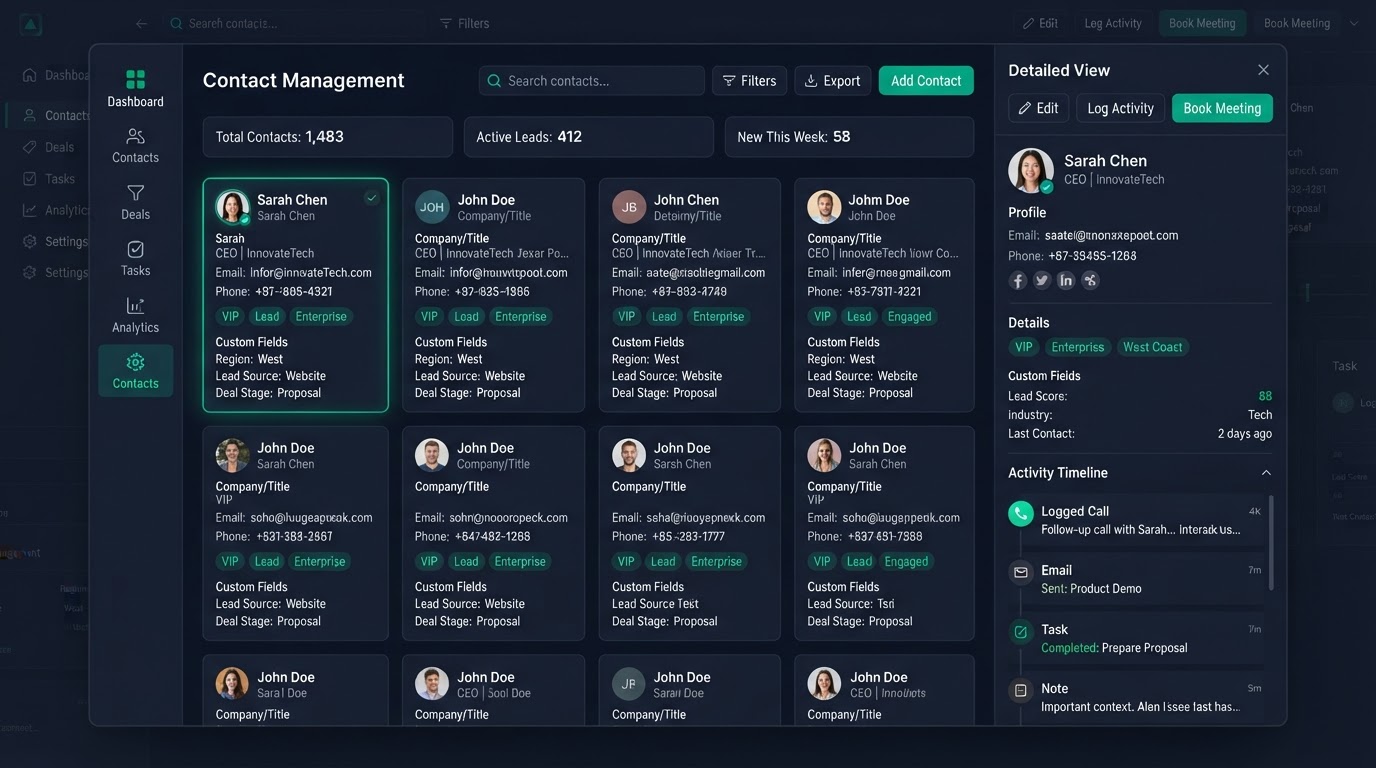
"How to change automatic SMS on GoHighLevel" is about the workflow that fires after the opt-in. Find the workflow that triggers on the form submission, open the SMS action, and edit the message text, the sending number, and the timing. You can change the wording, add a booking link, or swap a plain text for a template. Always test the SMS by submitting the form yourself before going live, and make sure consent and opt-out handling are set so you stay compliant with text rules.
How to use and download your videos
For the gate, you can host videos on the platform or embed from YouTube, Vimeo, or a hosting service. "How to download GoHighLevel videos" usually means one of two things: downloading an embedded video from its source, or exporting a recording. The platform is not a video host for downloads — it gates and embeds. If you need to download, do it from the original source where the video lives. We help set up the gate so the video plays smoothly and unlocks cleanly after opt-in.
How many pages you can create
"How many pages can I create with GoHighLevel?" — in most plans, effectively unlimited. You can build as many landing pages, funnels, and full websites as you need without a per-page charge. That is a real advantage over builders that bill per funnel or per page. It means you can test many funnels, build industry-specific landing pages, and spin up campaign pages without watching a counter. Limits, where they exist, are usually on contacts or on usage — not on the number of pages.
Why the video gate converts
The gate works because it trades value for value: the visitor gets a useful video, you get a lead. Compared to a plain form with no incentive, gated video lifts opt-in rates a lot because there is a clear, immediate reward. Combined with the memory feature, it avoids annoying returning visitors while still capturing first-time leads. For coaches, course creators, and anyone selling knowledge, it is one of the best lead-capture patterns available.
Want the video gate set up for you
We build gated video funnels with the opt-in wired to your CRM, an instant SMS or email, and the local-storage memory so returning visitors are not re-walled. Every build includes a Loom walkthrough and 15 days of free support. Book a free call and we will scope it with a fixed price and a delivery date in days.
Get 1 Month Free + Free Setup + Free Support
Start your platform account through our link and get an extended 30-day free trial — plus we'll set up your system, build your first workflow, and support you for free. See it working before you pay a cent.
Claim 1-Month Free TrialThe bottom line
Want to use "gohighlevel video form gate" in your business? We can build it for you. You get clear pricing, a real delivery date in days, a Loom video walkthrough, and 15 days of free support. Even better — start your account through our link and get 1 month free, free setup, and free support while you test it. Book a free call today and we will show you how.
Frequently asked questions
Quick answers to the most common questions about gohighlevel video form gate.
Written by certified experts — not AI filler
Every recommendation on this page is based on systems we have actually built and tested for real clients. We document the trigger logic, pipeline stages, and automation flows we deploy — then publish the before/after metrics from live projects. We do not recommend setups we have not delivered ourselves.
Author: CertifiedHighLevelExperts · Reviewed by: Certified GoHighLevel Experts Team · Last reviewed: 2026-09-16
Related topics for GoHighLevel Video Form Gate: How It Works & How to Set It Up
If you're researching gohighlevel video form gate, these related terms and concepts come up next. We build all of them inside GoHighLevel.
Primary keyword
Secondary keywords
Related concepts (LSI)
These terms reflect real search intent around gohighlevel video form gate. We cover each one in the content above and link to the relevant service, industry, or resource page so you can go deeper.
Was this article helpful?
Your feedback helps us write better guides.
Keep reading
Related services and industry guides to help you put this into action.