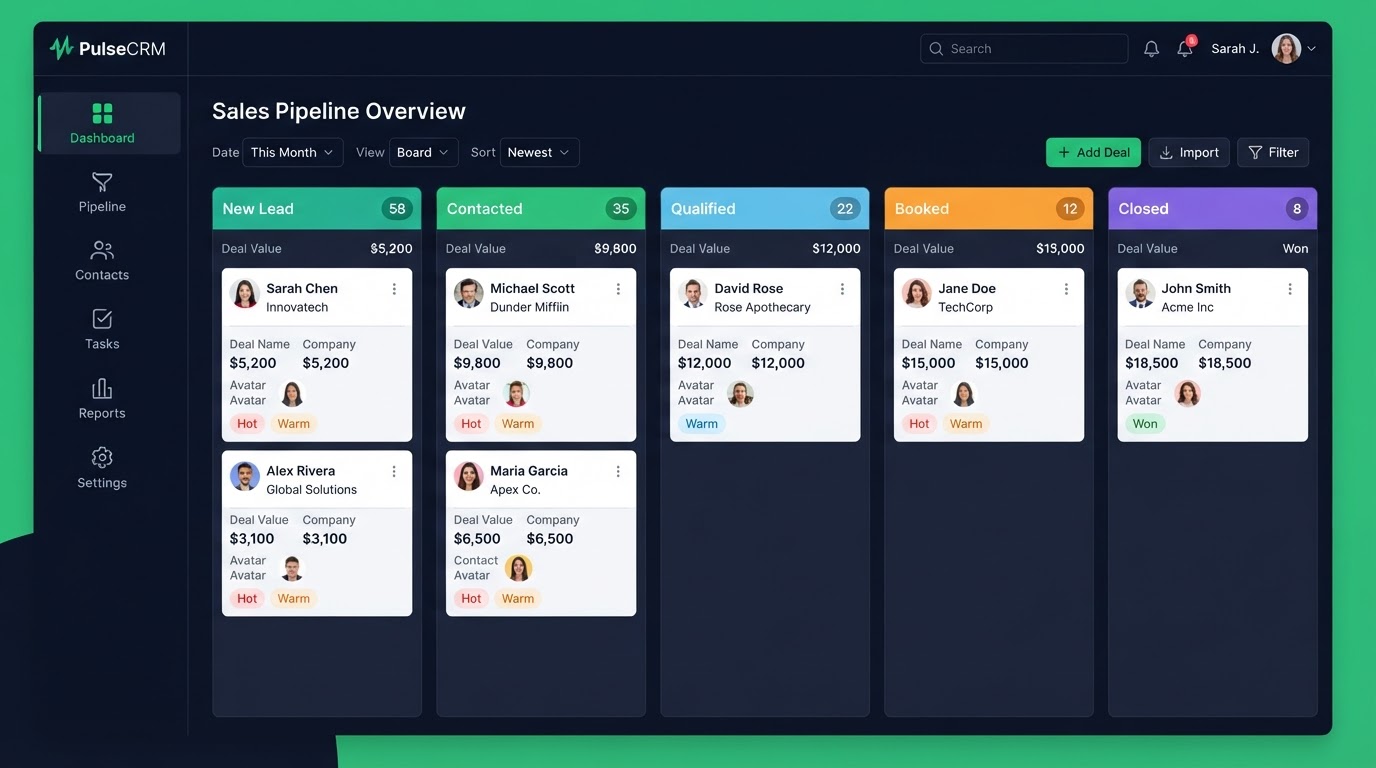
"What is GoHighLevel used for?" is really asking what real businesses do with it day to day. The short version: it is used to capture leads, follow up automatically, book appointments, and close deals — all from one platform. Here are 12 real use cases that show what GoHighLevel does and what it is used for across industries.
Key Takeaways
- 1. Capture leads from your website: A form on your site creates a contact in your CRM the instant it is submitted — no copy-paste, no missed inbox.
- 2. Instant lead follow-up: The moment a lead arrives, a text goes out with next steps and a booking link.
- 3. Appointment booking: Clients book themselves on your calendar, see only your real open times, and get automatic reminders.
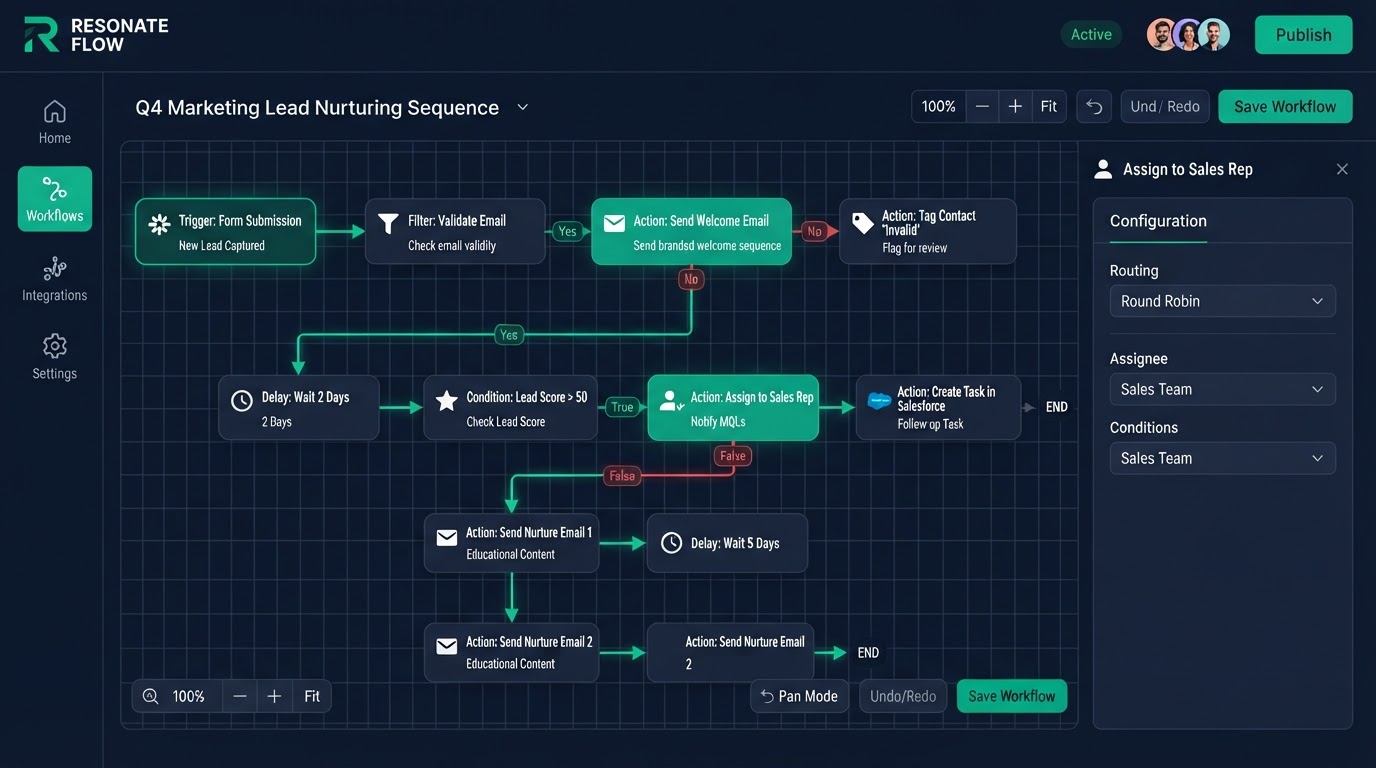
- 4. Sales funnels: Build opt-in, sales, order, and upsell funnels with forms wired to your pipeline and follow-up built in.
1. Capture leads from your website
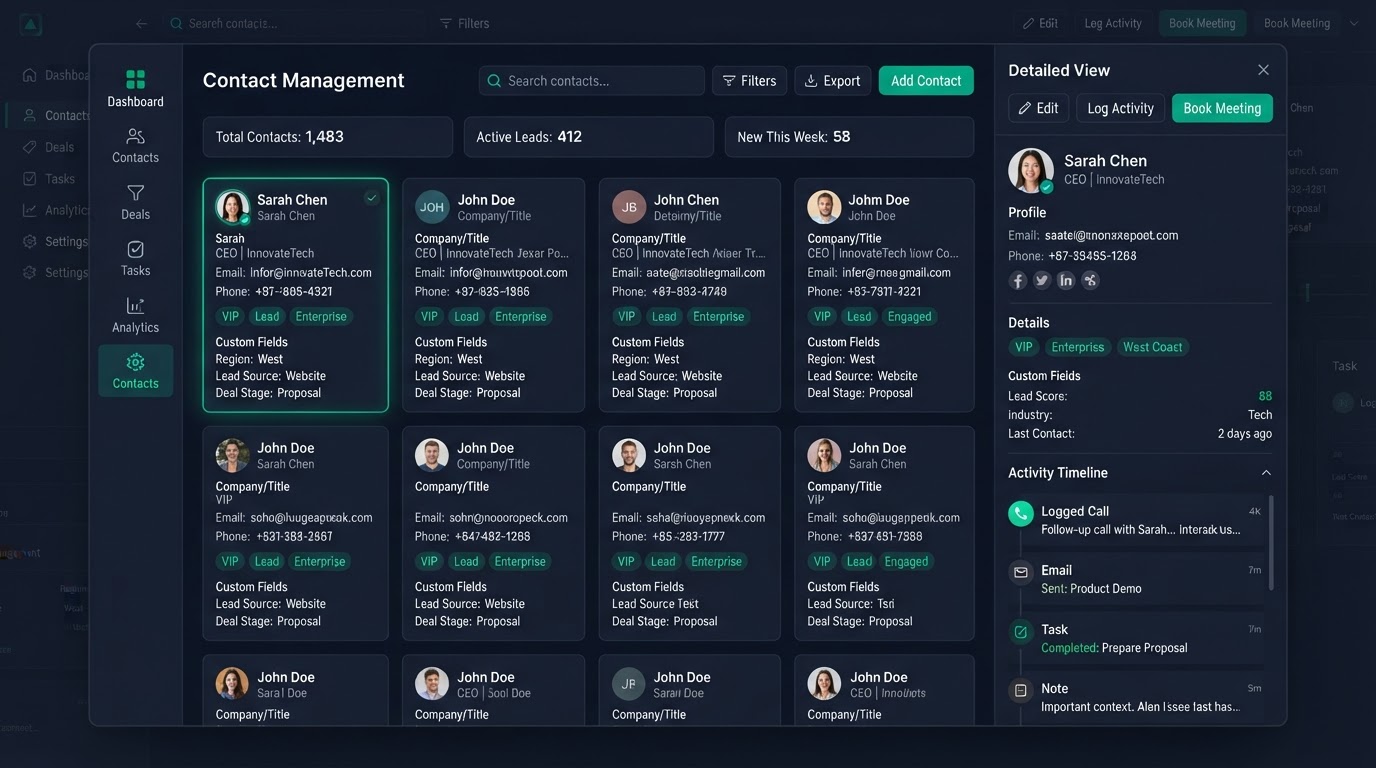
A form on your site creates a contact in your CRM the instant it is submitted — no copy-paste, no missed inbox. This is the most basic use and the foundation of everything else. Every other use case starts with capturing a lead into the platform.
2. Instant lead follow-up
The moment a lead arrives, a text goes out with next steps and a booking link. This cuts reply time from hours to seconds — and replying within five minutes makes you up to 21 times more likely to qualify a lead. It is the single highest-payoff use of the platform.
3. Appointment booking
Clients book themselves on your calendar, see only your real open times, and get automatic reminders. One-click reschedule lets them fix their own timing. Most businesses cut no-shows from about 30% to under 10% with reminders alone.
4. Sales funnels
Build opt-in, sales, order, and upsell funnels with forms wired to your pipeline and follow-up built in. Payments flow through Stripe or PayPal, and one-click upsells lift average order value with no extra ad spend.
5. Multi-channel follow-up
Sequences across email, SMS, and voicemail reach leads where they actually reply. SMS reply rates dwarf email open rates for most local businesses, so adding text to email dramatically lifts response.
6. AI chatbot for 24/7 qualification
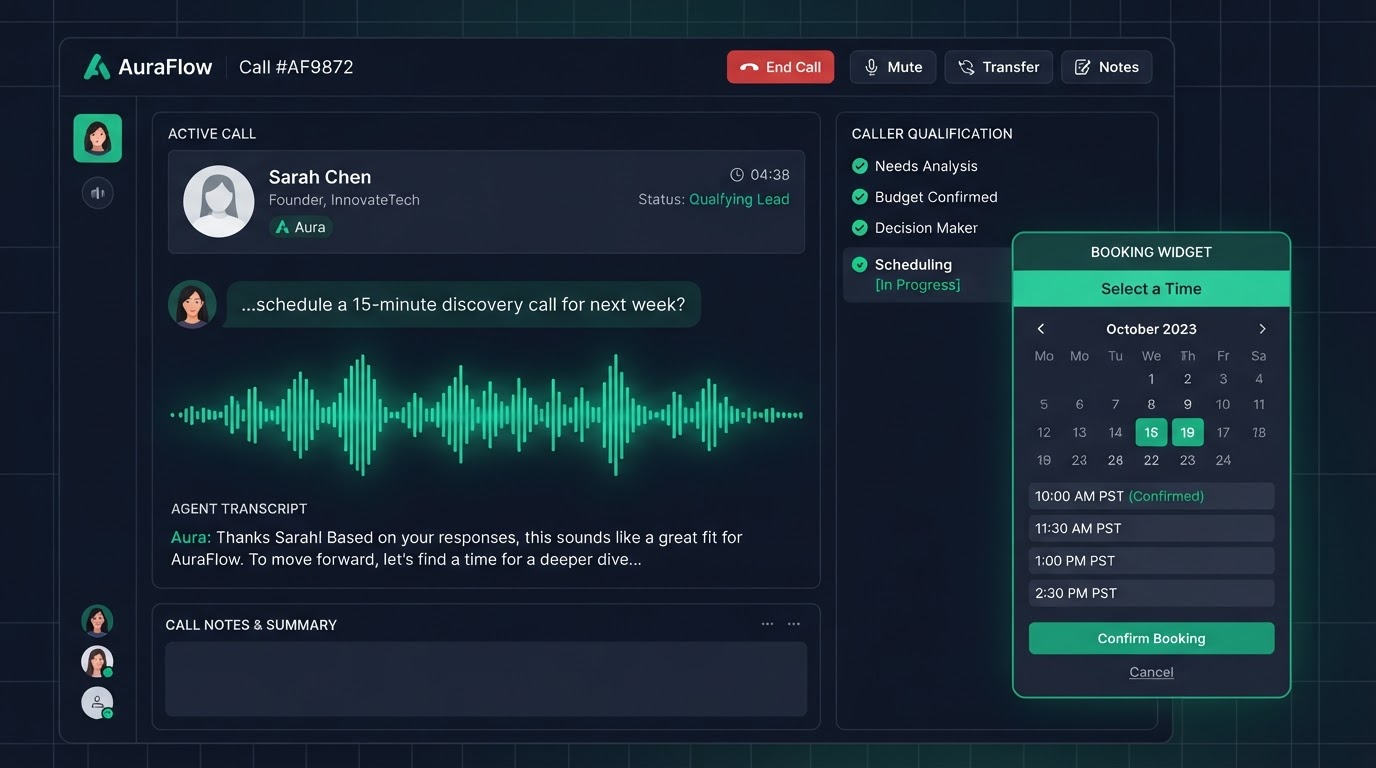
An AI chatbot answers website and DM visitors day and night, qualifies leads against your rules, answers FAQs from your knowledge base, and books appointments directly from the chat window. It captures after-hours leads that live chat misses.
7. AI voice agent for after-hours calls
For home services, dental, and law firms, an AI voice agent answers 100% of inbound calls, qualifies callers, and books jobs — even at 2am. Before Voice AI, more than 60% of after-hours callers never left a message. This use case recovers that lost revenue.
8. Reactivating lapsed clients
A 90-day win-back sequence with an offer brings old clients back into your calendar. Reactivating a past client costs far less than acquiring a new one, so this is one of the best-return use cases.
9. Reputation and reviews
Automated review requests go out at the perfect moment — happy customers go to Google, unhappy ones go to private feedback you can fix first. Reviews are a top local ranking factor, so automating the ask directly grows trust and search visibility.
10. Memberships and courses
Sell recurring revenue with a branded membership portal, payment-gated access, drip content, and automated student onboarding — a polished portal, not a clunky third-party course tool bolted on.
11. White-label SaaS for agencies
Agencies resell the platform under their own brand, with automated client setup and recurring billing. One platform subscription turns into many monthly client payments. This is the use case that built the agency side of the industry.
12. Migrations from other CRMs
Businesses use GoHighLevel to consolidate off HubSpot, Salesforce, ClickFunnels, ActiveCampaign, Kajabi, Zoho, Pipedrive, and more — moving contacts, pipelines, and automations with both platforms running in parallel for zero downtime.
Get 1 Month Free + Free Setup + Free Support
Start your platform account through our link and get an extended 30-day free trial — plus we'll set up your system, build your first workflow, and support you for free. See it working before you pay a cent.
Claim 1-Month Free TrialThe bottom line
Want to use "what is gohighlevel used for" in your business? We can build it for you. You get clear pricing, a real delivery date in days, a Loom video walkthrough, and 15 days of free support. Even better — start your account through our link and get 1 month free, free setup, and free support while you test it. Book a free call today and we will show you how.
Frequently asked questions
Quick answers to the most common questions about what is gohighlevel used for.
Written by certified experts — not AI filler
Every recommendation on this page is based on systems we have actually built and tested for real clients. We document the trigger logic, pipeline stages, and automation flows we deploy — then publish the before/after metrics from live projects. We do not recommend setups we have not delivered ourselves.
Author: CertifiedHighLevelExperts · Reviewed by: Certified GoHighLevel Experts Team · Last reviewed: 2026-09-16
Related topics for What Is GoHighLevel Used For? 12 Real Use Cases by Industry
If you're researching what is gohighlevel used for, these related terms and concepts come up next. We build all of them inside GoHighLevel.
Primary keyword
Secondary keywords
Related concepts (LSI)
These terms reflect real search intent around what is gohighlevel used for. We cover each one in the content above and link to the relevant service, industry, or resource page so you can go deeper.
Was this article helpful?
Your feedback helps us write better guides.