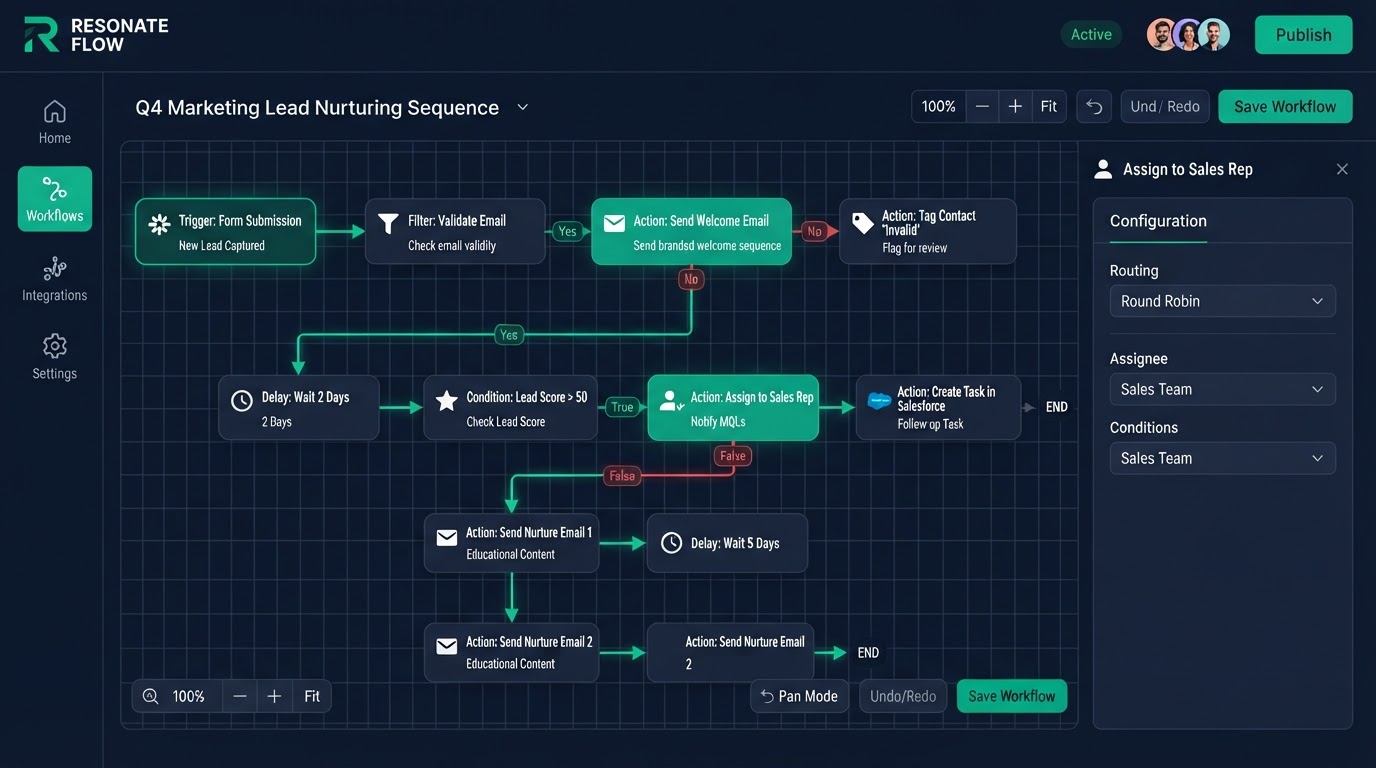
API & Webhook Integrations
We build the API and webhook bridges between your CRM and the tools you already use — lead sources, accounting, reporting, custom apps — so data flows automatically and nothing is re-keyed by hand.
Who this is for
Businesses with an existing tech stack (lead sources, forms, accounting, reporting tools) that need it connected to their CRM without manual data entry.
What's included
- Inbound and outbound webhook configuration
- Custom field mapping and transformation
- Third-party API integration
- Error handling and retry logic
- Authentication and security setup
- Testing and monitoring
- Loom walkthrough of every integration
Disconnected tools cost you time and accuracy
When your tools do not talk to each other, humans do the talking — by copying data from one to another by hand. That is slow, error-prone, and wastes hours every week. A lead comes in from a form, someone exports it, someone else imports it, and a typo puts it in the wrong field. API and webhook integrations remove the humans from this loop. Data flows automatically, in real time, with no re-keying and no typos.
Webhooks — real-time data the instant it happens
A webhook is a simple, powerful idea: when something happens in one system, it instantly tells another system. A lead fills a form, a webhook fires, and your CRM creates the contact before the page even reloads. We configure inbound and outbound webhooks so your tools stay in sync in real time, not in a nightly batch.
Custom field mapping and transformation
No two tools store data the same way. One calls it 'first_name,' the other calls it 'firstName,' and a third calls it 'given_name.' Without mapping, data lands in the wrong field or gets lost. We map every field from source to destination and transform the data where needed — date formats, phone number formats, name splitting. This is the step most DIY integrations skip, and it is the step that causes the most silent failures.
- Lead sources and ad platforms feed contacts in real time
- Accounting and billing sync for accurate revenue tracking
- Reporting tools pull live data for up-to-date dashboards
- Custom apps connect via secure API bridges
Connecting the tools you already use
You already have a stack — lead sources, accounting, reporting, maybe a custom app. We connect them to your CRM so data flows both ways. Leads from your ad platform flow in. Revenue data flows to your reporting tool. Customer updates sync to your accounting system. Your tools work as one system instead of five disconnected ones.
Error handling and retry logic
Integrations fail. A server is down, a field is missing, a rate limit is hit. The question is not whether failures happen — it is whether you know about them. We build retry logic so a temporary failure is retried automatically, and error notifications so a real failure alerts your team immediately. No integration fails silently. You always know when something needs attention.
Security and authentication done right
Integrations involve credentials, and credentials handled wrong are a security risk. We use proper authentication — API keys, OAuth, signed webhooks — and never expose credentials in client-side code. Your data flows securely between systems, and your credentials stay private. This is not the place to cut corners.
Who this is built for
This service is for businesses with an existing tech stack that needs to be connected to their CRM. If you are copying data between tools by hand every morning, integrations give you those hours back. If your tools do not talk to each other, you are working harder than you need to.
The process
- 1Day 1
Integration mapping
We map endpoints, fields, and data flow.
- 2Day 2–4
Build
Webhooks and API bridges built.
- 3Day 5
Testing
End-to-end data-flow and error-path tests.
- 4Day 6
Handover
Loom walkthrough + 15-day support begins.
Before & after
Leads exported from one tool and pasted into another by hand every morning.
Leads flow automatically between tools in real time with field mapping and error retries.
API & Webhooks FAQs
Written by certified experts — not AI filler
Every recommendation on this page is based on systems we have actually built and tested for real clients. We document the trigger logic, pipeline stages, and automation flows we deploy — then publish the before/after metrics from live projects. We do not recommend setups we have not delivered ourselves.
Author: CertifiedHighLevelExperts · Reviewed by: Certified GoHighLevel Experts Team · Last reviewed: 2026-09-16
Related topics for API & Webhook Integrations
If you're researching gohighlevel api webhook integrations, these related terms and concepts come up next. We build all of them inside GoHighLevel.
Primary keyword
Secondary keywords
Related concepts (LSI)
These terms reflect real search intent around gohighlevel api webhook integrations. We cover each one in the content above and link to the relevant service, industry, or resource page so you can go deeper.
Ready to build your api & webhooks?
Fixed price, exact delivery days, and a Loom walkthrough — book your free strategy call today.
Get 1 Month Free + Free Setup + Free Support
Start through our link for an extended 30-day free trial — we'll set up your system and support you free while you test it.